







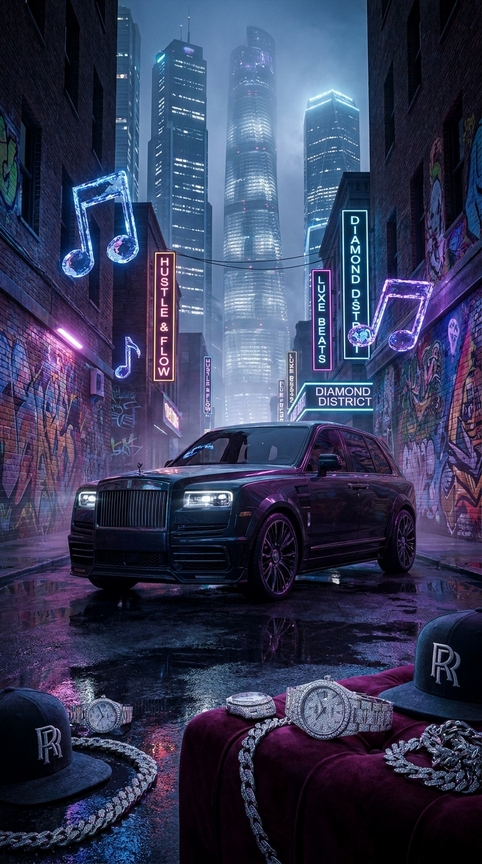


Choosing the right wallpaper is more personal than it sounds. Your screen is the surface you look at most during the day, and the image sitting there affects your mood, your focus, and even how quickly you can find your apps. Below is the framework our editorial team uses when categorising new music wallpapers and deciding which ones make the cut.
Match the mood to the moment
Energetic, high-contrast pieces — vibrant pop art, DJ booths lit with lasers, festival crowds — work best on phones you use in the morning or during workouts. Calm, low-saturation compositions — LoFi vinyl scenes, moody studio shots, muted neon — suit work devices and evening reading. Our aesthetic collection is intentionally soft; the dark category leans dramatic. Both have their place, just not on the same screen at the same time of day.
Match the shape to the device
Phone screens use a 9:16 vertical ratio. Desktop monitors use 16:9 or 16:10 horizontal. Tablets sit between. Every category in this gallery ships both crops, and the "surprise me" button rotates between them so you can preview what fits. If a download looks stretched, check the aspect ratio of your device — most mismatches are caused by choosing a desktop file for a phone lock screen.
Match the palette to your icons
The best background isn't the prettiest one in isolation — it's the one where your home-screen icons remain readable. Busy patterns with high contrast (album collage grids, graffiti textures) work best with minimal icon layouts. Uniform gradients (our pop gradient section) work under any layout because they never fight the icon shadows.
Check file size before you commit
Most downloads here run between 2MB and 6MB in HD and 8MB to 15MB in 4K. If storage is tight (older iPhones, budget Androids), stick with HD — you'll barely notice the difference unless your screen is bigger than 15 inches. 4K makes sense on modern laptops, external monitors, and most flagship phones. There's no need to double-up: one good 4K file beats five HD copies of the same scene, and phones re-render images anyway when you set them.
Refresh regularly — but not too regularly
Our data shows the sweet spot is a change every two to four weeks. Shorter than that and you never settle into an image; longer and you stop noticing it. Echo Verse members get a weekly drop every Sunday, which turns wallpaper selection into a five-minute ritual rather than a two-hour hunt. If you'd rather browse manually, bookmark three categories that match different moods and rotate them every Monday.